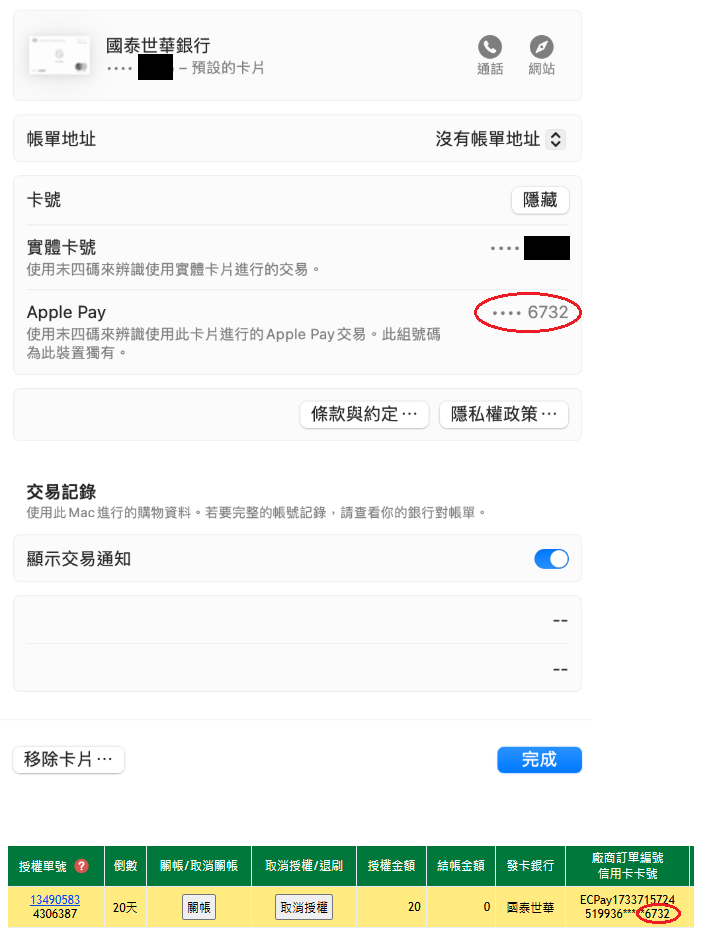
1. Before proceeding, follow the Apple Pay Certificate Setting Instructions to complete verification in the stage environment.
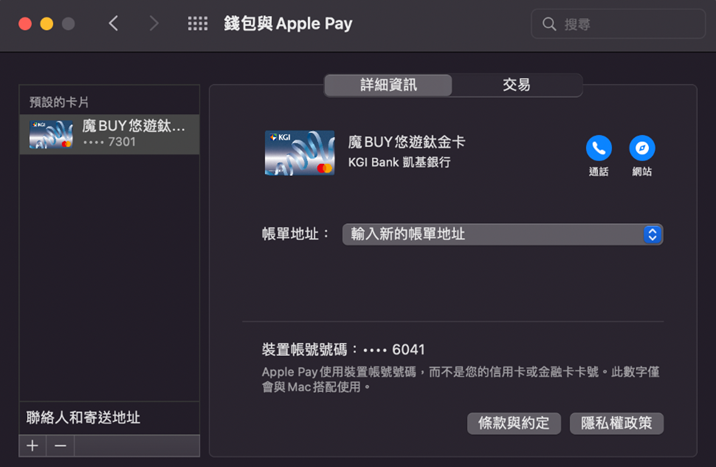
2.Go to Apple Wallet and add a card (skip this step if a card is already added).
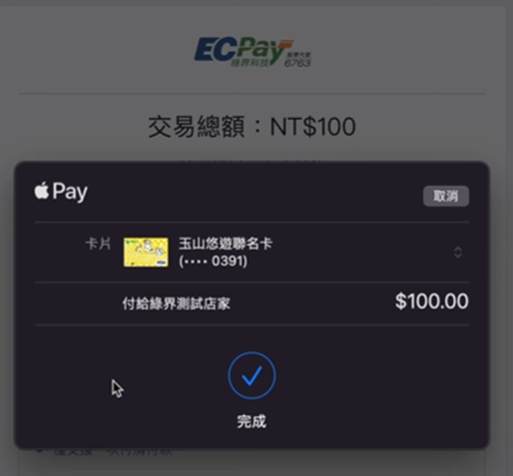
3.Payment Completed
FAQ:
Q:Will I actually be charged after a successful payment?
A: Simulated payments in the stage environment are not sent to the bank for authorization, so no charges will be incurred. If you have any concerns, you can check the transaction details in Wallet.
Q:Why are the first six and last four digits of the returned card number different from my actual credit card number?
A: Apple Pay returns a Device Account Number rather than your actual credit card number, so the digits will differ.